Task Transitions: Save Your Place, Then Switch
Move between tasks without leaving a vague return point. Copy a save-and-switch card, handle interruptions, and leave room for the change itself.

You need to leave a draft and open the next task. The draft is saved, but the note says only “finish later.” When you return, you have to work out what “later” was supposed to mean.
A useful task transition has two parts: protect the work you are leaving, and name the first action in the next activity. You do not need to finish task A before starting task B. You do need a clear record of where task A stands.
Try a short save-and-switch sequence at one change you make often. The aim is not faster switching. It is a place you can return to without relying on memory alone.
A first start, a planned change, and an interruption need different help
Before a task begins, the question is “What can I do first?” Once work is under way, there is more to preserve: completed parts, unfinished checks, open questions, and the right files or papers.
Use a first-action plan for an untouched task. Use the card below when leaving work in progress. For a sudden interruption, keep an even shorter return note.
The next activity can be a meal, a walk, or rest. A transition does not have to lead to more work to be worth planning.
Use this save-and-switch sequence
1. Give the current work a true status
Choose a description that matches what happened:
- Done: The task's actual requirements are complete.
- Parked: You can continue later, but work remains.
- Waiting: A required answer, item, or approval is missing.
Saving a file does not make it done. “Draft saved; sources not checked” is more useful than “nearly finished.” It keeps unchecked work from looking ready to send.
Choose a safe stopping point. For ordinary writing, that might be the end of a paragraph. For paperwork, it might be the last item you checked. Follow the required stopping and handover procedure for safety-critical or care tasks, not a timer.
2. Save the work and write the next unfinished action
Keep a short return note with the work. It should answer: What is definitely complete, and what comes next?
Compare these notes:
- “Budget” → “Rows 1–8 checked against receipts; row 9 next; total not approved.”
- “Keep reading” → “Section 2 complete; next unread page marked; question about the example remains.”
- “Waiting” → “Need the room's capacity before confirming the booking.”
You do not need a report about the session. A line or two can preserve the boundary. Add the document or folder location if you will otherwise have to search for it.
Keep private work details in the proper record. A card on a shared desk can point to a file without copying client information, account details, or passwords.
3. Put the materials together
Gather related pages, mark the next incomplete item, and put the work in its usual place. For digital work, use your normal save process and check that you are in the correct project.
Clear only what blocks the next activity. You do not have to tidy the whole room each time you change tasks. The useful result is that parked materials can be found and the next task has room.
4. Name the next task's entry action
“Client review” may still be too broad. “Open the review brief and find the first unresolved comment” gives you an entry point.
Check that the next task is available. If you are waiting for its brief, choose another valid action or take the planned break. Reopening blocked work does not make the missing information arrive.
Where two requests compete, make the priority decision explicit. At work, ask the person who sets the priorities if needed. A smoother change cannot fit two full tasks into time available for one.
5. Leave room for the change itself
Saving, writing a note, moving rooms, and opening new materials all take time. Do not schedule two activities as if both can use the same minute.
Choose an allowance based on the actual move. A change between two documents differs from packing up a drawing project and walking to a meeting room. If you need a break, name it separately rather than filling it with setup work.
- State the statusDone, parked, or waiting for an answer.
- Save and markRecord the last complete and next unfinished actions.
- Store the materialsKeep the work and return note together.
- Enter the next taskOpen the right materials and do its first action.
Allow time between the activities. A saved draft is not a completed task.
Copy this between-tasks card
Use the full card when details are easy to lose. For an ordinary change, status, return point, storage, and next activity may be enough.
Leaving: Which task am I stopping?
Status: Done, parked, or waiting?
Last complete action: What do I know is finished?
Next unfinished action: Where should I return?
Open question: What answer or item is missing?
Stored at: Where are the work and materials?
Next activity: What comes after this?
First action there: What will I open, read, or do?
Change allowance: What time is needed to close, move, and prepare?
Do not turn the card into another task you avoid. Keep the details that help you find your place. Remove fields that tell you nothing new.
Worked example: a drawing draft to a client review
Suppose you are drawing project A and need to review feedback on project B before noon. At 11:35, you choose to park the drawing rather than try to finish it first.
Your note for project A says:
Background shapes placed. Draft saved in project A folder. Next: compare the foreground figure with the brief's size reference. Caption placement awaits a client answer. Not approved or sent.
The next task is project B's review. Its first action is to open the proof and locate the first unresolved comment.
This example gives eight minutes to the change, fifteen to review work, and two to closing. Change the allowances to suit your work; they do not promise a finished review.
| Example time | Action | Check |
|---|---|---|
| 11:35–11:37 | Save the drawing. | Correct project and version. |
| 11:37–11:38 | Write the return note. | Last complete and next incomplete actions. |
| 11:38–11:40 | Gather project A materials. | Brief and draft can be found together. |
| 11:40–11:43 | Open project B and locate the first unresolved comment. | The proof and feedback belong to the right project. |
| 11:43–11:58 | Review the feedback. | Mark comments checked or unresolved. |
| 11:58–12:00 | Save and record what remains. | No rushed approval to fit the clock. |
Scroll sideways to see all columns.
If a comment needs a client answer, it stays unresolved. The useful result is an accurate review state, not a row of completion marks.
When an interruption changes the plan
A sudden interruption may arrive before a convenient boundary. If it is safe to pause briefly, leave three lines before you respond:
Last complete: ___
Currently unfinished: ___
First check on return: ___
For the review, that could be: “Comments 1–3 checked. Comment 4 needs the original brief. On return, confirm comment 4 is still unresolved, then read its matching requirement.”
Do not delay urgent care or safety action to write a note. When you return, use the checks the task requires. If you cannot tell whether a payment or submission happened, check the proper record before repeating it.
Then check the time again. An interruption uses part of the original work period. It does not create a reason to compress all remaining checks into fewer minutes. Stop, reduce the work, or change the commitment if the available time is no longer enough.
What the research supports
Sophie Leroy and Theresa Glomb's 2018 paper examined attention residue: attention that remains on the work you left while you try to do something else. Across four studies, their findings supported a brief plan for returning when anticipated time pressure made interruptions difficult.
The important limit is the outcome. The studies concerned attention and performance on the interrupting task. The University of Washington's account states that better performance on the original task after return was not tested.
That is a reason to try a short, specific return note, not proof that this card prevents mistakes or that any routine app improves switching. There is no universal recovery period you need to add after every ordinary change.
Adapt the note to the work
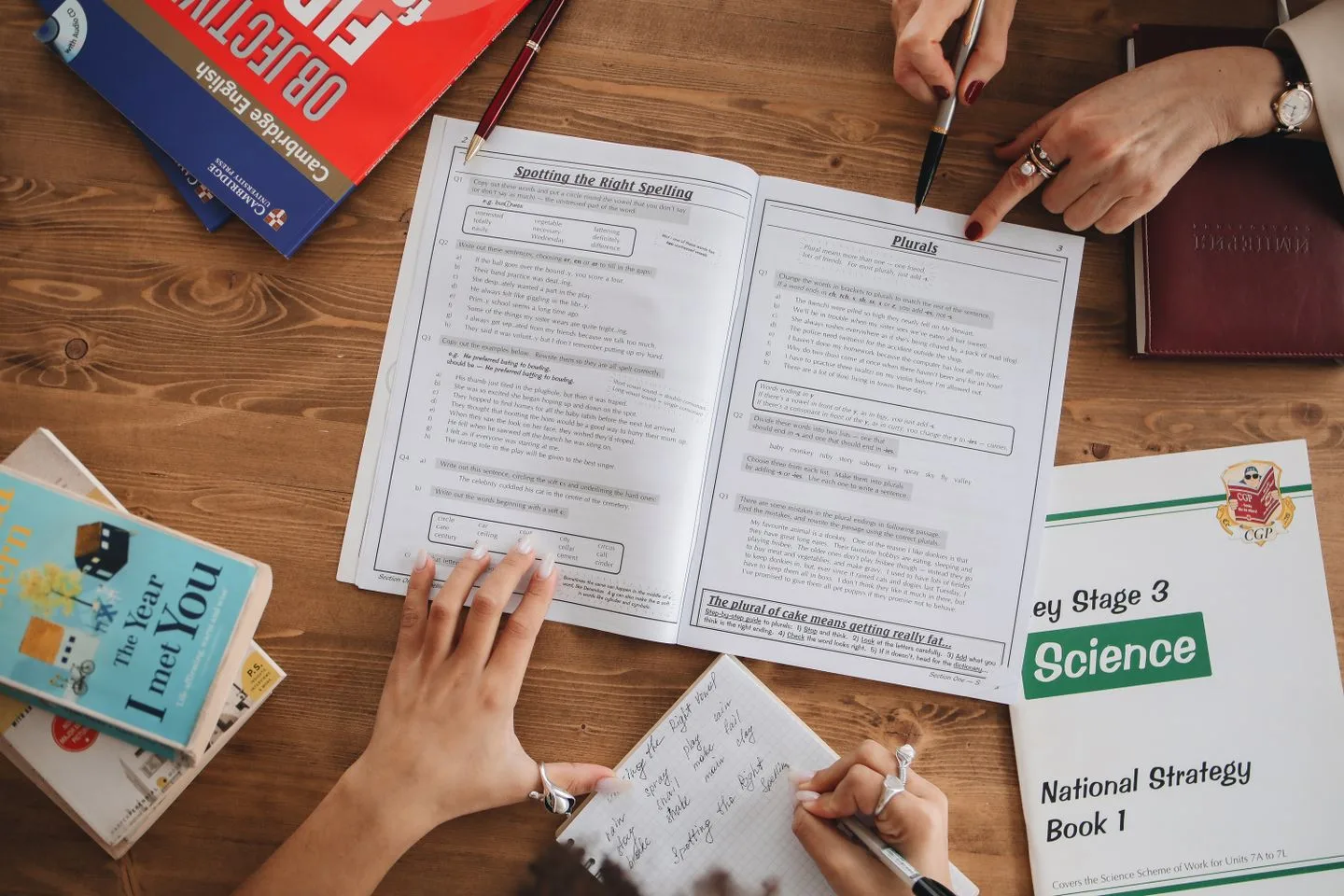
Reading to a problem set
Mark the next unread page and one open question. Then put the reading aside and open the first problem. If the problems need material you have not read, change the order rather than force the switch.
Paperwork to a break
Gather the papers and mark the next document. “Cover message checked; terms not reviewed” preserves the difference. Then take the break. Do not fill it with the rest of the paperwork.
One administrative request to another
Record the checked-item boundary and any missing answer. “Items 1–5 checked; item 6 awaits a price; request not approved” is enough to protect that distinction. Prepare the new request without treating the old one as complete.
Optional timing for a repeated change
A paper note works on its own. A basic timer can mark a change allowance. If you prefer ordered task timers, you can manually enter a save-and-switch sequence in Skye.
Add your own steps and times: save the work, write the return point, gather materials, and open the next task. Skye gives each step a timer you can pause, skip, or adjust; see timer help for the controls. Saving the actual work and keeping its return note remain your actions, not automatic app functions.
Leave separate room for setup if you use the example timetable. Do not skip a necessary save or check to keep the sequence moving.
Frequently asked questions
What should I write before leaving an unfinished task?
Record the last complete action, what remains unfinished, and the first check on return. Add the saved location if you would otherwise have to search. Keep private details with the work, not on a shared card, and do not call a saved draft complete.
Can I change task order in Skye during a routine?
Yes. You can rearrange the task order during a routine and apply it once or save the changed order for future runs. Use the routine controls when plans change, but still save the actual work and write its return note yourself.
What if an urgent interruption leaves no time for a return note?
Respond to urgent care or safety needs first. When you return, check the real work record before repeating a payment, submission, or other action whose state is unclear. Recheck the clock and reduce the remaining plan rather than hurry required checks. For ordinary closure, the after-work guide gives a fuller record.
What if switching tasks remains difficult despite a clear return note?
Check for competing requests, missing materials, unclear priorities, or too little time before adding stricter timers. A note cannot resolve those conditions by itself. If the difficulty persists, causes distress, or affects essential activities, seek qualified support rather than treating it only as a planning problem.
Leave a place you can return to
At your next necessary change, write the last complete action and the next unfinished one. Then name the first action in the next activity. That can be the whole method.
If a timed sequence would help you follow those steps, create your save-and-switch routine in Skye.
Skye facts checked against app source October 20, 2026. The app was not tested for this update; external source checks were not repeated.
A little space for ideas that fit into real life.
More from the blog