Skye vs RoutineFlow: Timed Steps, Records, and Cost
Compare Skye's unlimited free routines, task timers, and session records with RoutineFlow's listed timing insights, history, reminders, and paid access.


Choose Skye for unlimited free routines, task timers, optional start reminders, and today's task-time summary. Consider RoutineFlow when its listed timing insights or 365-day history view provide a longer review you need. Both cover more than a countdown; their records and access terms differ.
The central Skye vs RoutineFlow difference is not whether both have timers. It is what you need before, during, and after the routine. A start reminder, a current-task countdown, and a timing report answer three different questions.
Skye is free, with unlimited routines and no feature paywalls. RoutineFlow offers a free download with in-app purchases, but its exact ongoing free feature limits remain unverified in this comparison.
Method and disclosure
Skye publishes this guide. External sources were checked October 19, 2026; Skye facts were checked against app source and developer confirmation October 20, 2026. This is not a hands-on comparison, timer-accuracy test, or report of user results. RoutineFlow's listing does not answer every control or free-access question.
The examples show how to make a choice. Their times are editable sample allowances, not customer data or a promise that a routine will take that long.
Skye vs RoutineFlow: the decision table
Read each row against a real requirement. Do not add the rows into a score; a needed history view can decide the choice even when the core timers and reminders overlap.
| Need | Skye | RoutineFlow |
|---|---|---|
| Build a task sequence | Enter your own tasks and durations. | Custom routines and predefined steps listed. |
| Follow timed tasks | Ordered task timers; Auto-next is optional per task and off by default. | A sequence of timers listed. |
| Pause, skip, or change time | All three, plus reordering and adding tasks during the current run. | Exact current controls not established by the reviewed listing. |
| Review actual task time | Summary with actual task times, overtime, and total time. | Insights into how long each task takes listed. |
| Review previous routines | Local session records and today's summary; no 365-day history browser. | A view of the past 365 days listed. |
| Get a notification to start | Optional reminders for timed routines, with notification permission. | Notification reminders explicitly listed. |
| Use the needed features free | Unlimited routines, all features free, no paywalls. | Free download with purchases; exact free limits unknown here. |
Scroll sideways to see all columns.
Sources include Skye support, Skye's developer listing, and RoutineFlow's listing. Skye's features were also checked in app source. A competitor's listing does not establish tested accuracy or every free-access rule.
Start with the question you want answered
“Track my routine” can mean “show me the next step” or “help me understand yesterday's delay.” Those require different information.
Use these questions to make the requirement clear:
- What do I do next? You need ordered task guidance during the routine.
- Did I do it? You need a completion record.
- How long did packing take? You need a clearly defined task-time record.
- Why did this run take longer? You may need a timing record and a note about interruptions.
- Will I remember to begin? You need a start cue or a verified reminder.
A streak does not tell you how long a task took. A duration you entered is a plan, while Skye's summary shows recorded task time separately. A timed start also needs its optional reminder enabled and notification permission if you want an alert.
- Before the runWhat cue or reminder will start it?
- During the runWhich steps and controls must stay clear?
- After the runDo you need completion or task-time records?
- Check accessConfirm each required function in the actual offer.
A shared timer does not make the apps complete replacements for each other.
When Skye covers the routine and today's review
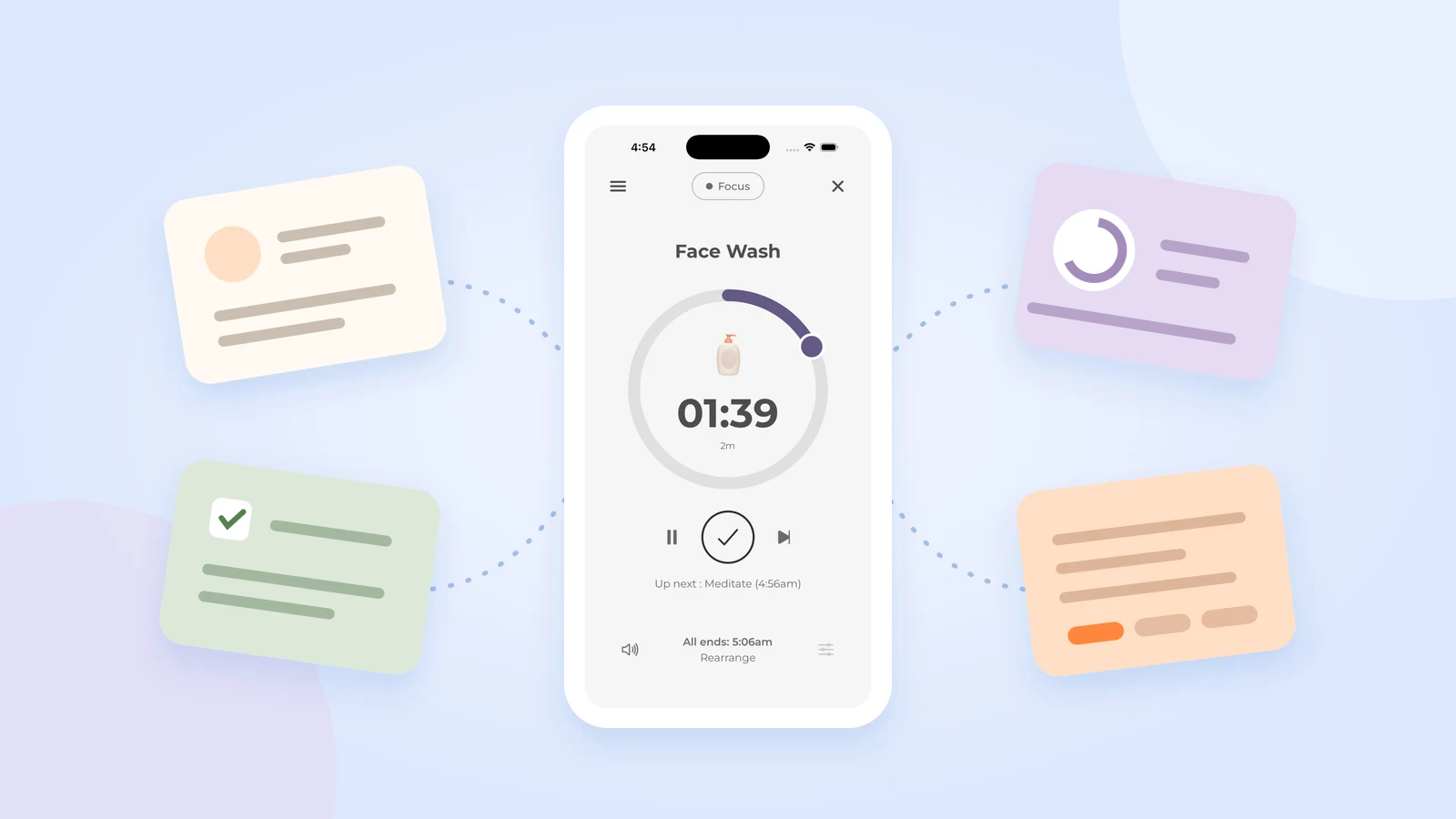
Skye fits a sequence you already know and can enter yourself. Choose tasks, order, and durations; pause, skip, change time, reorder, or add tasks during the current run. It includes a running finish-time estimate and optional start reminders for timed routines. Support explains setup and controls.
For an adult student, that might be collecting notes, opening the assignment, clearing a work area, and writing the first question. Use an existing class cue or enable Skye's reminder with notification permission. Afterward, review the recorded task times and overtime in the routine summary.
That covers guidance and a review of today's run. It does not provide RoutineFlow's listed 365-day browsing view or establish that the two apps' timing reports have identical detail.
Choose Skye when:
- You know the steps and accept manual task entry.
- Pause, skip, and time changes meet your running-control needs.
- Today's task times, overtime, and total time cover the review you need.
- Its optional reminder or your existing cue covers the start.
If you only need to see the order, a paper card can cover an even smaller job. Add a basic timer only to steps where a time cue is useful.
When RoutineFlow is the closer match
RoutineFlow's developer description lists insights into how long each task takes, a 365-day review of habits, and notification reminders. It also lists predefined steps alongside custom routines.
Keep it on your list if its longer history and timing insights are part of your regular review. Skye also has task-time records and optional start reminders, so those features alone do not distinguish the apps. Compare the period, detail, and access you need.
Those listed features are useful reasons to choose it. They are not proof that the app treats ADHD or improves a health outcome. This guide compares routine tools, not medical care.
Check the detail behind each needed feature:
- What does the recorded time include?
- Does a pause change that record?
- How does it show skipped or unfinished tasks?
- Can you review the period you need under your actual plan?
- Are the needed reminders and reports included in that offer?
The public listing does not answer every question. That is a reason to confirm the requirement, not to assume the feature works badly or does not exist.
Task-time data: find out what the number means
Suppose you are preparing papers for an appointment. You want to know whether you need a longer routine or simply had an unusual interruption.
This original example is not a report from either app:
| Task | Planned allowance | Sample elapsed time | Interruption noted |
|---|---|---|---|
| Gather papers | 5 minutes | 7 minutes | None noted. |
| Sort papers for this appointment | 6 minutes | 10 minutes | A four-minute call. |
| Pack the required folder | 4 minutes | 4 minutes | None noted. |
| Check the destination and first action | 3 minutes | 3 minutes | None noted. |
| Total | 18 minutes | 24 minutes | 4 minutes noted. |
Scroll sideways to see all columns.
Elapsed time is six minutes above the plan. Subtracting the four-minute call leaves 20 minutes, but does not prove an exact measure of active work. Other small waits may not have been noted.
The useful conclusion is not “set this routine to 20 minutes.” It is “understand the record before changing the allowance.” If a task-time report is central to that review, confirm that it provides the definition and detail you need.
If you review timing only occasionally, a small manual note may be enough. If you review it often, that note may become unwanted work. Count it in the choice rather than call the apps equivalent.
Cost: separate a download from ongoing access
RoutineFlow's listing says free with in-app purchases. That establishes the download offer and the presence of paid products. It does not establish that every timer, report, or reminder stays free.
Its terms say some products require payment and that purchase details are shown during the buying process. They describe a trial whose duration is specified in the app and conversion to paid access unless canceled under its terms.
No fixed trial length or regional price is quoted here. The sources checked do not provide a complete current feature-and-price map. Check the exact function, amount charged, billing period, renewal, and cancellation route before accepting an offer.
Skye offers unlimited routines for free, with all features and no paywalls. Create separate sequences for different days and activities without paying to add another routine. Its developer listing confirms free access to all features.
Switch one routine without losing the records you need
Use the appointment-paper example as an 18-minute starting allowance only if the tasks suit your needs. Leave separate time for delays and any unlisted preparation. Do not time the appointment itself to fit the example.
- List what you need before, during, and after. For example: an existing calendar cue, ordered timers, and a weekly task-time review.
- Identify records to keep. Note completion dates, task allowances, and any timing information that affects a future choice.
- Copy one sequence manually. Keep its task names and starting durations unchanged while you compare the tools.
- Check the complete job. After a normal run, inspect the guidance and the saved record, not just the countdown.
- Count manual substitutes. If you need a longer review than today's summary, decide whether keeping a separate record is work you want to do.
Skye does not import RoutineFlow routines or history. Enter tasks manually and keep the original records while you decide. Moving a task list also does not cancel an existing subscription.
If the new tool covers the run but removes a report you use, that is an unresolved gap. Keep RoutineFlow or choose a verified substitute rather than explain away the requirement.
Read privacy statements within their scope
RoutineFlow's privacy policy describes analytics, hosting, payment, registration, and messaging providers. Skye stores routine and task text locally, without cloud sync. App builds with Firebase Analytics enabled send usage events with an app-instance identifier and nontext usage data; events omit routine and task names. Read Skye's privacy policy for details.
This comparison of policy text and Skye source is not an independent audit or network test. It does not establish encryption, backup, recovery, or an overall safety ranking. Review app, website, and support data separately before entering sensitive details.
Frequently asked questions
Is RoutineFlow completely free?
RoutineFlow offers a free download with in-app purchases. Its listing does not give a complete free-feature map. Confirm access to its timers, reminders, and 365-day view before relying on them. Skye includes unlimited routines and all its features free, with no paywalls.
Can I see how long each task took in Skye?
Yes. Today's routine summary shows actual task times, overtime, and total routine time. Skye does not have a 365-day history browser. If you need a longer review, compare RoutineFlow's listed reports and their access terms rather than treat the summaries as identical.
Does Skye remind me to start a routine?
Yes, if you set a timed routine, enable its optional reminder, and allow notifications. A saved schedule alone is not the same as an enabled alert. Skye support explains setup. You can also keep an existing calendar or event cue.
Can I transfer my RoutineFlow history into Skye?
No. Skye does not import RoutineFlow routines or history. Enter the task list manually and preserve any records needed for a longer review. Copying tasks does not cancel a subscription or change the records held by the other service.
Which app is better for ADHD routines?
Choose the support you need: a start cue, visible next step, task controls, or a longer timing review. Neither this source review nor a product description proves treatment or a best app for everyone. Routine tools do not replace professional care.
Compare more than the countdown
Skye offers unlimited free routines, task controls, optional reminders, and today's task-time summary. Consider RoutineFlow when its listed timing insights or 365-day view provide the longer review you need, and check the access terms for those features.
If Skye covers your guidance and review needs, build one routine. Keep needed older records and check the start cue before moving the rest.
Sources and method
External sources checked October 19, 2026. Skye facts checked against app source and developer confirmation October 20, 2026. No hands-on comparison, independent security test, or clinical study was performed. Competitor offers can change.
- Skye support, listing, and app privacy policy: controls, current free offer, completion records, and data declarations.
- RoutineFlow developer listing: timed steps, task-time insights, 365-day view, reminders, and purchases.
- RoutineFlow terms and privacy policy: purchase and trial terms, plus declared processing practices.
A little space for ideas that fit into real life.
More from the blog