Routine Timer vs Habit Tracker: Which Do You Need?
Choose a routine timer or habit tracker based on what you need: clear next steps, timed tasks, or a simple record. Compare tools and try a morning routine.

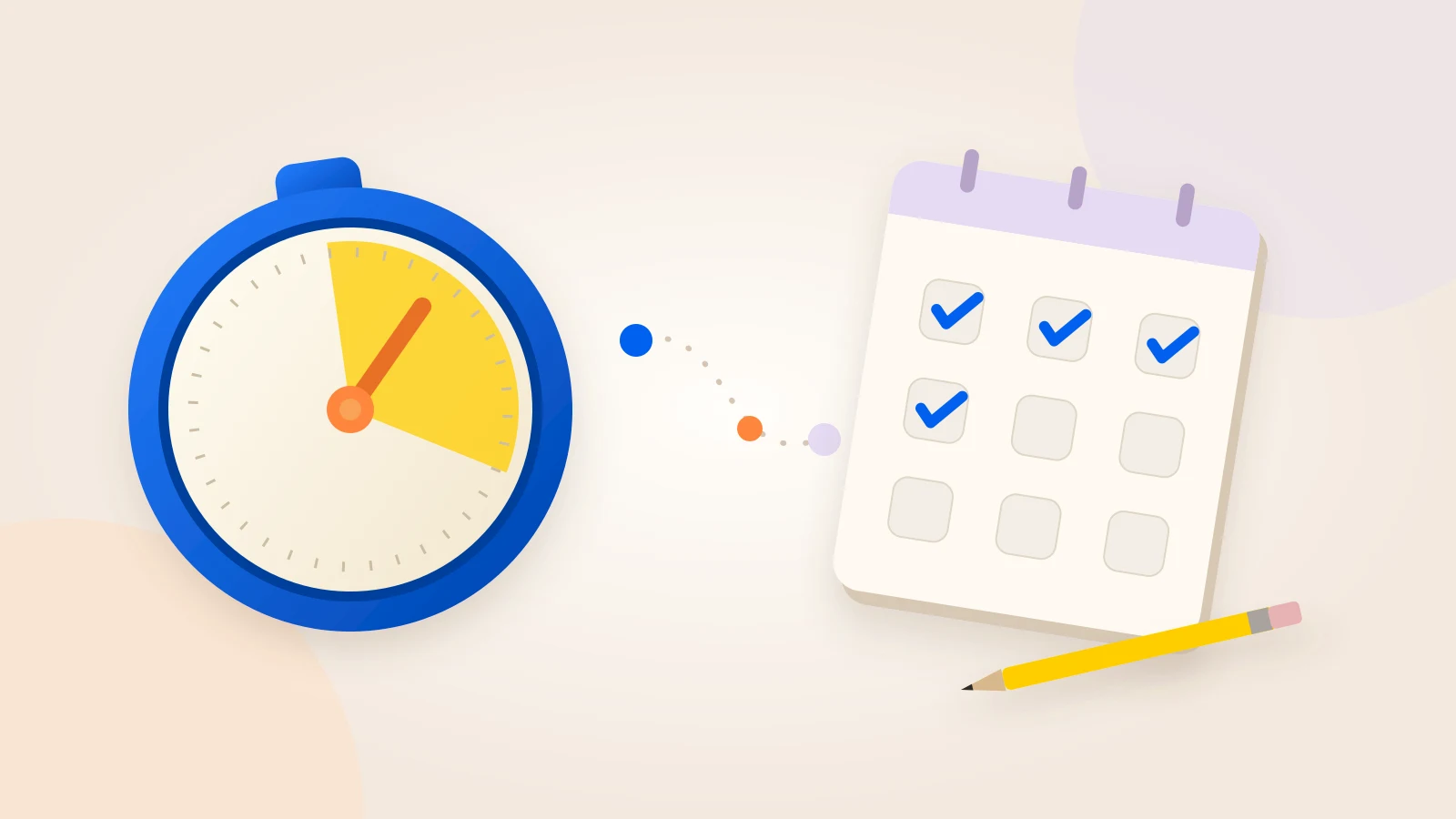
A routine timer helps you follow tasks in order, with a time for each step. A habit tracker records repeated actions across days. Choose based on where you need help: during the routine or when you look back.
You can know your morning steps and still lose your place between breakfast, getting dressed, and finding your keys. That calls for different help than remembering which days you read. Start with the part that is hard now. A paper list may be enough.
Should I use a routine timer or a habit tracker?
Quick answer: Use a routine timer for an ordered task sequence and a time cue during each step. Use a habit tracker to record repeated actions across days. Choose a paper checklist if you only need to see the steps. Some apps combine these functions, so check the tools rather than the label.
What is missing from your routine?
Choose your main need. The simplest useful tool can be enough.
Compare guided routine timers
Look for a saved sequence with a separate time for each task. Check pause, skip, and time changes before you choose. Paper with a timer is also an option.
Skye is free. Create unlimited routines, with all features included and no paywalls.Choose by the help you need today. Some tools cover more than one need.
Start with the help you need today
“Build better habits” is a large goal. “Show me the next packing task” is a clear requirement you can check.
Describe where you get stuck in one sentence:
- “I want to know whether I read this week.” You need a record.
- “I keep stopping after I open my book.” You may need a smaller first action.
- “I spend too long choosing clothes.” You may want a time cue or a separate preparation step.
- “I forget my bag until I reach the door.” You may need a visible list in task order.
A routine is a planned set of tasks, such as washing, dressing, and packing. A habit, in research, is an action that a familiar situation can start with little conscious thought.
University College London researchers explain habit formation through repetition in a consistent setting. The setting becomes a cue for the action. A morning routine can contain both familiar habits and tasks that still need a clear plan.
You can use a list or timer now. You do not have to make every step automatic first.
Routine timer vs habit tracker: the practical difference
Compare functions, not labels. Some trackers include timers, and some routine timers include history. Use this table to check what each tool would do for you.
| Need | Paper checklist | Habit tracker | Guided routine timer |
|---|---|---|---|
| See tasks in order | Write the sequence. | Check whether habits can form a sequence. | Look for a saved sequence and a current task. |
| Time each task | Add and reset a separate timer. | Some have timed tasks. | Separate task timers are the main function to check. |
| Review past days | Keep dated sheets or a grid. | Completion records are a main use. | Some include history and streaks. |
| Handle interruptions | Mark your place and change the list. | Controls vary by app. | Check pause, skip, and time changes. |
| Keep setup small | Start with a short list. | Set an entry rule for each action. | Set task order and starting times. |
Scroll sideways to see all columns.
For example, Streaks includes built-in timers for timed tasks, as well as completion statistics. It may already provide the timing you need. Check whether you want to time one reading task or follow washing, dressing, and packing in order. Those are different functions.
If you also want a record, check the routine timer's history features before adding a second app.
Use paper when a visible list is enough
Choose a paper checklist when you know the pace but sometimes leave out a step. Put the list where the tasks happen and use names with a clear end point.
“Pack bag” may hide several decisions. “Put notebook, lunch, and keys in bag” tells you what belongs in the task and when it is done.
Choose only the paper record you will use:
- Use one reusable card when task order matters more than history.
- Keep dated sheets if you want to review past days.
- Add a weekly grid only if you will use the record.
- Mark your current step before an interruption.
A kitchen timer adds a time cue without another app. Write a duration beside each task, start the timer, and reset it when you move on. The trade-off is manual work: you keep your place and change the timer yourself.
You do not need to time everything. If packing is the only step that needs a boundary, time packing and leave the rest as a list. The same approach works with a small cleaning routine checklist.
Use a habit tracker to review separate actions
A habit tracker suits actions that do not need to happen as one sequence. Reading, practising a language, and walking may belong to the same week without belonging to the same timed routine.
Loop Habit Tracker lists free access, charts, and statistics. Its official feature list also describes flexible schedules, such as several times a week or every other day, and data export.
Those functions help answer “What did I record this month?” Reading can happen in the evening and walking at lunch. They do not need to share a start time or a task sequence.
Before adding a habit, decide what an entry means:
- Name the action. Does “read” mean opening the book, finishing a chapter, or reading for a chosen time?
- Choose a useful schedule. An action does not have to happen daily to belong in a tracker.
- Keep missed and unlogged actions distinct where possible. A blank entry alone may not tell you which happened.
- Decide how you will use the record. If reviewing it will not change a choice, you may not need to collect it.
A clear entry rule makes the record easier to read. If you record “read” after opening a book one day and finishing a chapter the next, the entries cannot tell you the same thing. Use the record as information, not a score for your character.
Use a guided routine timer to follow the next step
A guided routine timer holds the order you chose before starting. You follow the current task instead of choosing from a larger list each time. After an interruption, the displayed task gives you a place to return.
Skye is a free guided routine timer for custom ordered tasks. You can pause, skip, change time, reorder, or add tasks during the current run. Optional start reminders for timed routines need notification permission. Its routine and timer help explains setup and controls.
Skye includes all features and unlimited routines for free, with no paywalls. Choose your tasks, give them times, and follow the sequence. Auto-next is off by default and can be enabled for each task. The summary shows today's recorded task times, overtime, and total routine time.
Other apps take this approach too. Routinery describes a timer that guides each routine step. Brili describes one-by-one task guidance with visual cues and timers, plus ready-made routine templates.
Before you set up a routine, check the functions you would use:
- Can you enter your own task order?
- Can you pause when something interrupts you?
- Can you skip an optional task or change a poor time estimate?
- Do you need a template, or do you already know the steps?
- Do you need completion history or records of actual task times?
A chosen duration is a plan, not a record of actual task time. Skye records task times separately and shows them in today's routine summary. It does not provide a 365-day history browser, so a tracker may still be useful if you need a broader review.
For a closer look at specific apps and free access, read the Routinery alternatives comparison.
Try this 40-minute morning routine
Suppose you want to start getting ready at 7:00 and leave at 7:40. This sequence puts each task in order and leaves four spare minutes at the end.
The times are example allowances, not tested best times. Change them to fit your usual care, breakfast, and household needs. The sequence begins after getting out of bed; allow extra time for anything not listed.

| Time | Task | Duration | End point |
|---|---|---|---|
| 7:00–7:03 | Open curtains and set out clothes | 3 minutes | The clothes you need are ready. |
| 7:03–7:11 | Wash and complete usual personal care | 8 minutes | Your usual care steps are done. |
| 7:11–7:19 | Get dressed | 8 minutes | You are dressed for the day. |
| 7:19–7:31 | Prepare and eat breakfast | 12 minutes | Breakfast is finished. |
| 7:31–7:36 | Pack bag and check keys | 5 minutes | Needed items are together. |
| 7:36–7:40 | Use spare time and prepare to leave | 4 minutes | You are ready to leave. |
Scroll sideways to see all columns.
If breakfast normally takes longer, give it more time. Do not rush a needed task to make your morning match someone else's example.
Set up the sequence around your morning
- Name the real actions. Replace “get ready” with steps you can recognise while doing them.
- Choose a start cue. “After I get out of bed” names a moment to begin. Start the timer when you are ready to follow the list.
- Check the order. Arrange the sequence around shared bathrooms, kitchens, and other real limits on your time.
- Set starting durations. Use your own observations when you have them. Keep the times open to change.
- Leave room for interruption. Pause, change a duration, or omit an optional step when needed.
- Revise one part afterward. Change the task that was unclear or needed more time, rather than rebuild the whole system.
To use the example in Skye, name a routine and add the tasks manually with durations. Choose a timed start or leave it available to start when ready. The routine setup overview shows the process. You can also keep the list on paper.
If a task takes longer than its timer
First ask whether the estimate was wrong or the morning was unusual. A spilled breakfast needs a different response from a breakfast allowance that is too short every day.
- One interruption: pause and check what still needs to happen.
- A repeated overrun: add time or make the task smaller.
- Not enough total time: remove optional work, prepare something earlier, or start earlier.
A timer makes time visible; it cannot create more of it. If breakfast needs five extra minutes, decide what can move or be left out. Do not assume a task-time change will automatically rearrange the rest of your day.
Give work and study a clear starting point
The morning example ends when you are ready to leave. Work and study need a short preparation sequence before the main task. Finishing the setup is not the same as finishing the work.
A work-start routine
For a remote project coordinator, “start work” may hide three choices: which project, which document, and which action comes first.
An example preparation sequence is two minutes to clear a work area, three minutes to open project notes, and two minutes to write the first action. Its end point is concrete: the notes are open and the next action is written.
Time those preparation steps if you want a cue to move on. A paper list can hold the same sequence without countdowns. If you only want to know which days you used it, a tracker can keep that record.
Keep changing project work outside the fixed routine. A reusable start sequence does not need to contain every task in the project.
A study-start routine
A university student might begin with two minutes to collect materials, two minutes to find the assignment, and one minute to write a question to answer. These are adjustable example times for preparation, not a complete study method.
After preparation, choose the reading, practice, or recall task that fits the assignment. A timer can mark a study interval. To review what you understood, look at a written answer or completed exercise, not only the session count.
The official Pomodoro Technique description also separates its timer from a wider practice of planning, breaks, effort records, and review. Finishing a countdown is not the whole method.
What a streak can—and cannot—tell you
A streak counts completions under an app's rules. It does not measure whether an action now starts automatically, and a reset does not measure how much learning you lost.
Researchers call the degree to which an action happens without conscious thought automaticity. In Gardner and colleagues' 2012 work on habit measurement, that was assessed with self-report questions, separately from how often an action occurred.
An app counter measures something different. Even a score named “habit strength” may reflect recorded entries, not a test of automaticity. Check what the score counts before you use it.
Keep three questions separate:
- Completion: Did I do the action, and did I record it?
- Fit: Did the task order and timing suit today?
- Ease of starting: Did I need less thought to begin?
Skye's streak counts completed or partial sessions on consecutive calendar days, not just scheduled days. A day without a qualifying session breaks that sequence. The activity count does not show whether the routine fits or how easily you start; support explains the counter.
Check the cost and effort before you choose
Once you know which help you need, check what the tool asks of you. How much setup does it need? Will you have to log the same action twice? Can you change the plan when the day changes?
Check cost, interruption controls, and data handling too. Skye stores routine and task text locally. App builds with Firebase Analytics enabled send usage events with an app-instance identifier and nontext usage data, but omit routine and task names. Read the privacy policy. This article is not an independent privacy test.
You can also leave out the timer if countdowns add pressure. A smaller list, an earlier start, or fewer optional tasks may address the problem better than more tracking.
Frequently asked questions
Do I need both a habit tracker and a routine timer?
Only if they do different jobs you need. Skye guides ordered steps and shows task times and a routine activity streak. A habit tracker may be more useful for separate weekly actions or a broader history view. Avoid logging the same action twice without a reason.
Can I try a routine timer without paying for more routines?
Yes. Skye has unlimited routines and all features for free, with no paywalls. Build one small routine from three actions you already do. Check whether seeing the current task helps before entering the rest of your day.
Does a long streak mean I have formed a habit?
No. A streak counts recorded activity under a tool's rules; it does not test whether a cue starts the action with little conscious thought. Skye counts completed or partial sessions on consecutive calendar days. The routine vs habit guide explains the distinction.
Try one small routine, not a whole new system
Keep a method that already helps. If a paper list gives you the next step, you do not need to replace it just to add tracking.
If you want step-by-step timing, build one small routine in Skye. Choose three tasks you already do, set a time for each, and try the sequence once. Afterward, change the step that needed more time or a clearer end point.
Sources and method
External sources checked October 19, 2026. Skye facts checked against app source and developer confirmation October 20, 2026. No hands-on comparison or independent performance test was performed. Competitor offers can change. The morning, work, and study times are editable examples, not measured outcomes.
- UCL: habit formation and repeated cues and Gardner et al.: automaticity measurement support the distinction between habit formation and completion records.
- Streaks, Loop, and Loop's official feature list support the tracker examples.
- Routinery features, Brili for adults, and the Pomodoro Technique support the related tool descriptions.
- Skye support, the Skye listing, and the app privacy policy support Skye's functions and current offer.
A little space for ideas that fit into real life.
More from the blog